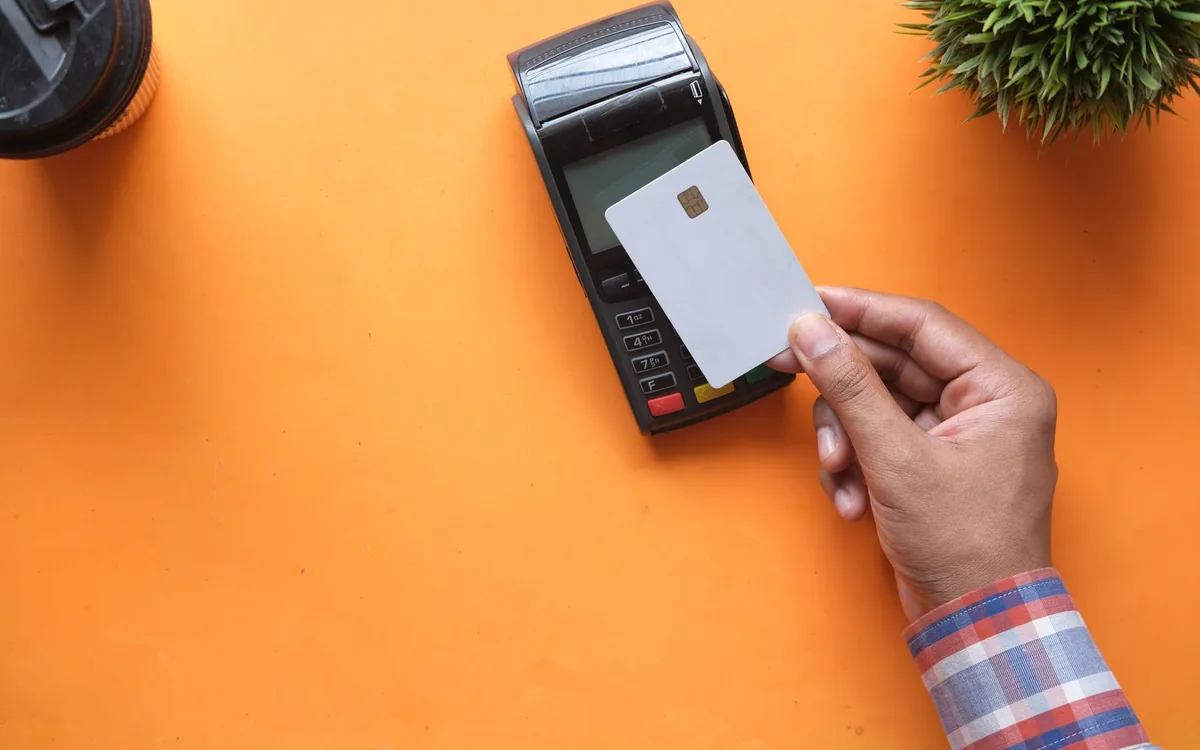
What this means for the venue
Rezervem Pay lets restaurants and hotels create payment links and QR payment requests without first opening a reservation. Staff choose the venue, payer, amount and an eligible virtual POS; sharing the link is not collection until the card payment succeeds.
A real service scenario
At a hotel spa desk, a guest may want to buy a treatment without making a restaurant booking. The host confirms the service and its price, then lets the guest complete the payment on their phone.
The same process supports a remote sale before the guest arrives. Payment, delivery of the service and any later refund are distinct records and should not be treated as one event.
Where payments go wrong
A free-amount request collects a specified amount. If the business needs the service name, variant and quantity on the order, it should select eligible Experience catalogue items. Combining unrelated services into one unexplained amount makes fulfilment and refunds harder.
A request created under the wrong venue may use the wrong currency or payment provider. Confirm contact details, the amount, expiry and any product sales channel before sharing the request.
Five practical checks
Use one genuine service scenario to verify the process before inviting guests to pay.
- Select the correct restaurant or revenue centre and a staff account authorised for Pay.
- Confirm the configured virtual POS and payment currency for that venue.
- Enter the payer's phone or email, then choose a free amount or eligible catalogue products.
- Share the link or show the QR, checking its expiry and the terms explained to the guest.
- Confirm a successful payment in Pay before fulfilling the service; track delivery and refunds separately.
How Rezervem handles the process
An independent Rezervem Pay request can be linked to a reservation later, but linking is not a second charge. Compare the requested amount with the collected amount, the request with the bank transaction and any catalogue item with the service delivered.
Pay manages the request through its web and mobile workflows. Experience supplies eligible sale items and Manager supplies reservation context when applicable. Available providers and delivery channels depend on the venue's setup.
FAQ: Is a booking required to create a payment request?
No. An authorised user can create an independent request under an eligible venue and virtual POS.
FAQ: Does displaying a QR mean the charge is complete?
No. The QR opens the payment page; a successful provider result must be checked separately.
FAQ: Can a paid request be linked to a booking later?
Yes, in the supported workflow. Linking an existing payment does not mean charging again.