Ordering should be as easy as finding the reserved lounger
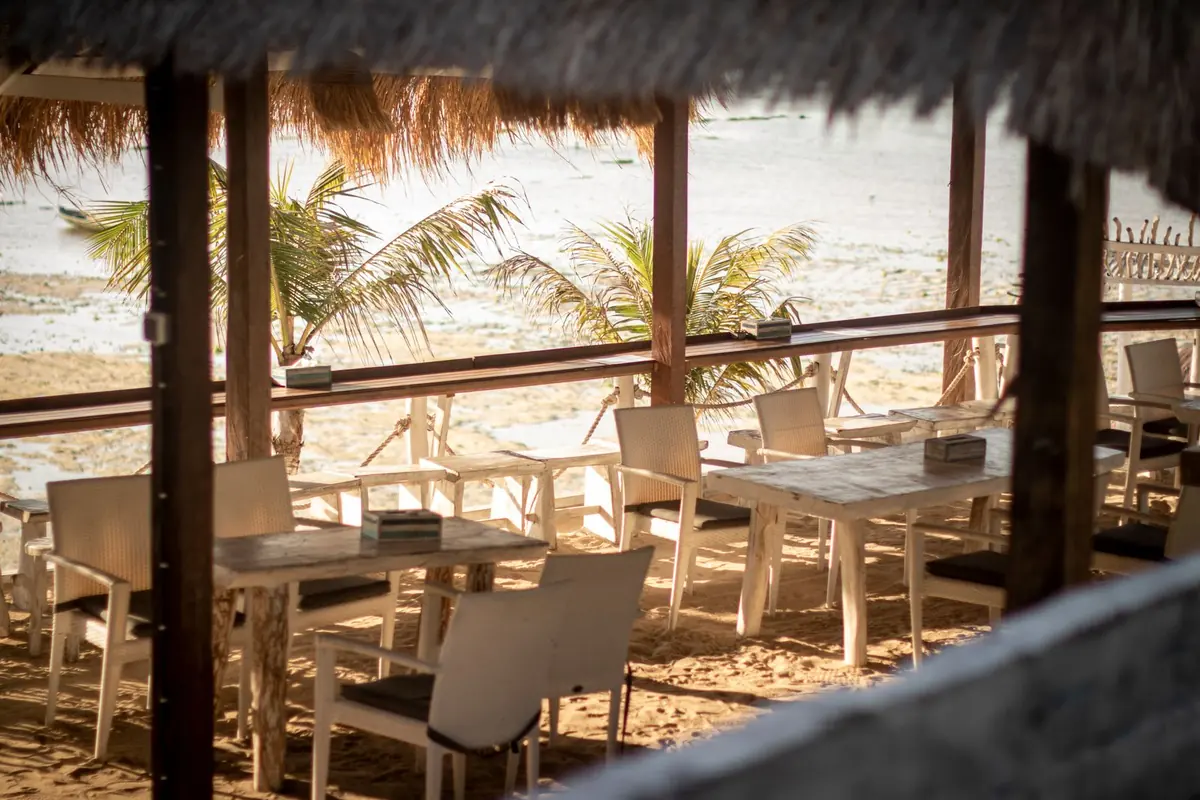
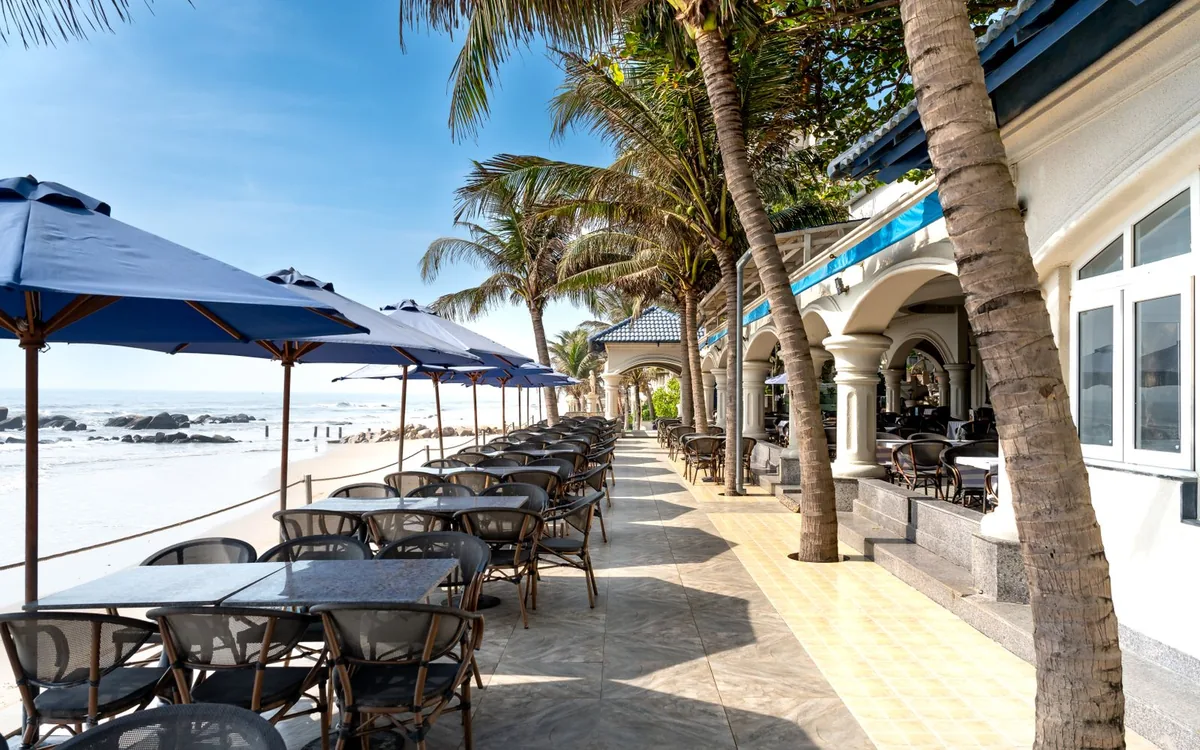
A guest who has booked a lounger or cabana should not need to describe its location again after arrival. Rezervem Manager can assign the location; a configured Rezervem QR Order menu link can open the matching point.
Imagine the guest has cabana 5. The team must receive the order with cabana 5 as the delivery address, even if adjacent cabanas use the same kitchen. The booking and service-point mapping is essential.
Open the menu directly from an assigned reservation
When the venue associates the assigned service unit with a booking, its menu link can open that QR ordering location without asking the guest to repeat the seat details.
A walk-in guest uses the printed QR code instead. Treat the reservation menu link and physical QR scan as separate entry methods, each subject to its own station and access rules.
Prevent an order reaching an old or incorrect seat
Test what happens when a lounger changes, the booking is cancelled or a different guest later uses the same cabana. A menu that still opens is not proof that the old link is safe or valid for ordering.
Pool and beach services can use different menus, prices and hours. The staff app should show the correct unit and active station for each new order.
Manager and QR Order have distinct roles
Rezervem Manager owns bookings and location assignments. Rezervem QR Order owns guest ordering and the service-station workflow. Both products must use the same assigned point for the reservation link to work correctly.
Pilot one beach station with several test reservations, including one reassignment and one walk-in scan. Start with the beach and hotel QR ordering guide.