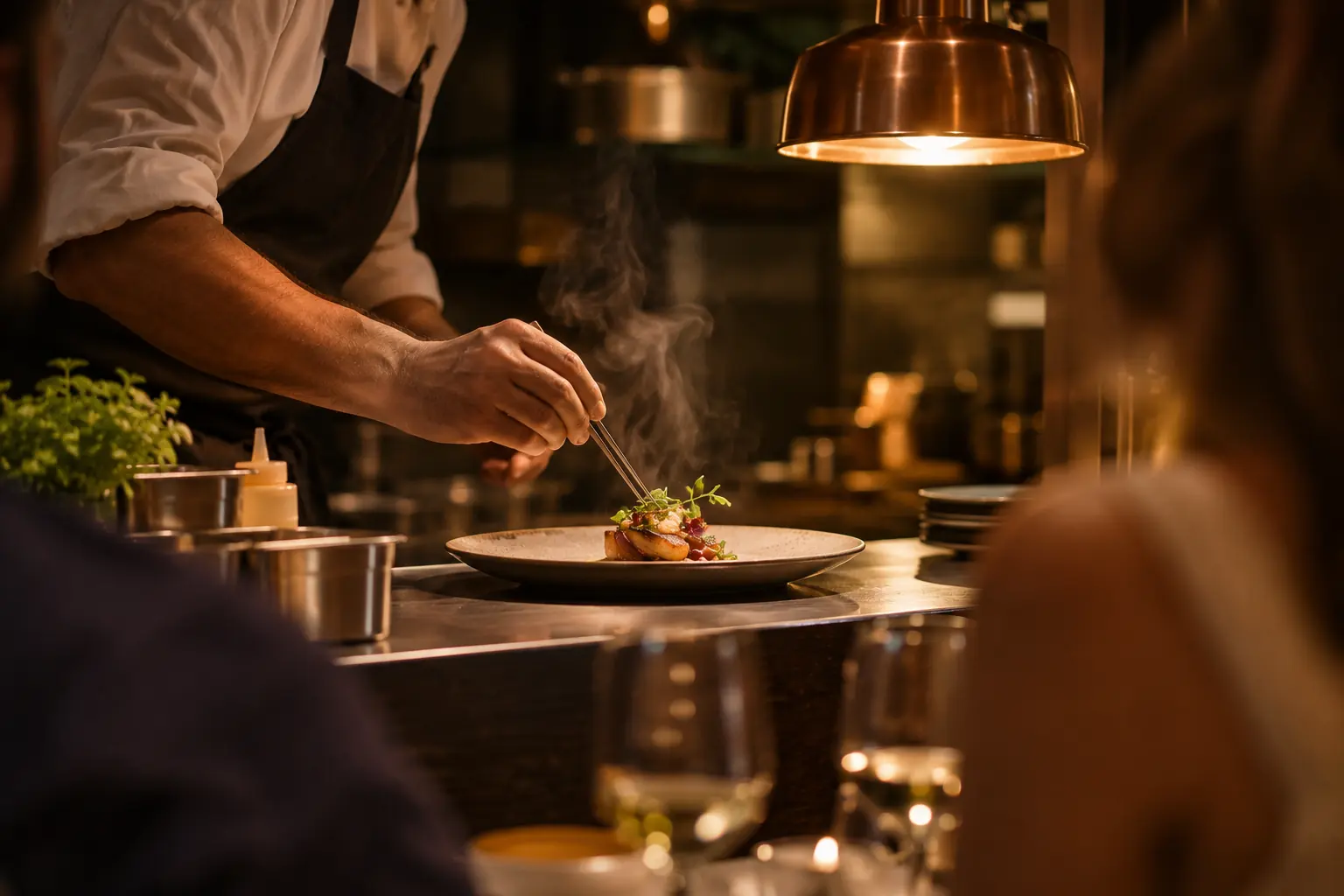
What happens when food and drinks arrive together
Kitchen and bar routing means sending relevant items from one basket to their configured preparation teams. Rezervem QR Order preserves the service location, while the QR Order Management staff app supports order acceptance and tracking. Printer output is available where the devices and mappings are configured.
A burger, a drink and a coffee may use different preparation points. Verify the actual output for each rather than assuming three printers always receive a ticket.
How does a mixed order reach separate teams?
Products and supported output-device assignments determine which preparation flow an item uses. The staff queue retains the whole order and its location context.
Define the responsible station or device for each menu group. Test an order containing two different preparation categories.
Keep the delivery point with the order
A QR code may represent a hotel room, beach lounger, cabana or restaurant table. Its unit and place reference should remain available to the team even when preparation tasks differ.
Staff need an accurate destination, not just the product names. Validate both the guest's QR location and the receiving station before opening service.
When are printer tickets created?
Where supported product-to-printer mapping and device connectivity are configured, the team can print the appropriate preparation tickets. The output must be tested with the actual local network and hardware.
Thermal printers are not mandatory when teams work from the mobile staff screens. Printing and posting to an external POS check are separate capabilities.
What does the staff see during preparation?
Authorized staff can review new orders, accept or reject them within station permissions and update the relevant progress states.
During a busy shift, verify the displayed unit, order notes and any printing choices. A real-time notification may be delayed, so the order list remains the operational source.
Which setup should a restaurant choose?
Start with a menu and service-station map, connect the supported preparation devices and make trial orders containing both drinks and food.
Rezervem QR Order can operate alongside existing POS systems, while Oracle Simphony catalogue synchronization has a separate setup and does not automatically write each QR order to a Simphony check. Explore Rezervem QR Order and validate payment and printer workflows independently.