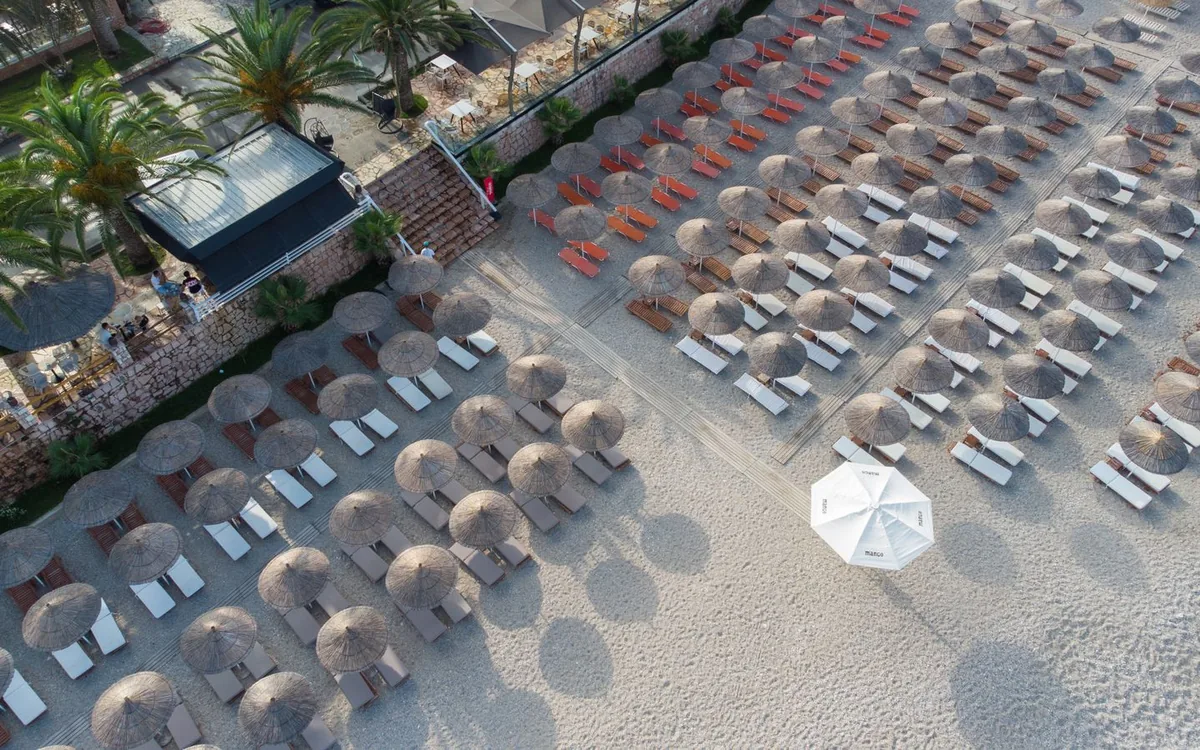
A lounger QR code carries the service location
QR ordering from a beach lounger lets a guest open a location-specific menu on their phone. Rezervem QR Order links the QR point to its station and keeps the intended delivery location with the order.
A guest at the far end of a beach should not have to repeat their seat number to the bar team.
Guests order in their browser, not another app
Guests scan the code and browse configured products, options and available allergen information without downloading an app. The QR Order interface supports Turkish, English, Russian and Arabic.
Arabic can use a right-to-left layout. Translate product names and options deliberately, and verify any item whose translated description is incomplete.
Guests can add notes where supported, review the basket and submit an order. The staff team should verify that notes and choices appear correctly on their side.
A reservation link can skip repeating the location
When a guest is assigned a lounger or cabana in Rezervem Manager, an enabled reservation menu link can open the corresponding QR ordering location.
A walk-in guest can instead scan the printed QR. Test both routes, plus cancellation and changes of assigned seat.
Ordering points and stations have different roles
Each lounger or cabana has its own location identifier, while a station controls the menu and team serving it. A beach bar and pool kitchen do not need identical products or hours.
Staff see the order together with its service location; the unit and place labels should be verified during setup.
Use a real trial order to confirm that changing the active station does not expose the wrong queue to an employee.
Food and drinks may need different preparation outputs
An order containing a sandwich, a coffee and a cold drink may involve different teams. Configure the output devices or staff workflows and test a mixed basket.
Printers are optional when staff use screens. An ordering station is not proof that an external POS automatically receives every item.
The team manages acceptance and service stages
Staff in the QR Order Management app review station orders, use permitted acceptance actions and update progress as the service moves forward.
Push and real-time events depend on connectivity and configuration. Team members should check the order list when notifications are delayed.
Operational reports reveal how beach areas are used
Product quantities, station occupancy and individual unit use help managers plan service. These metrics show operational demand rather than an automatic total for payments.
Compare sales and settlements with the appropriate POS or payment records. Pilot one lounger QR, one assigned reservation and one closed station before expanding.