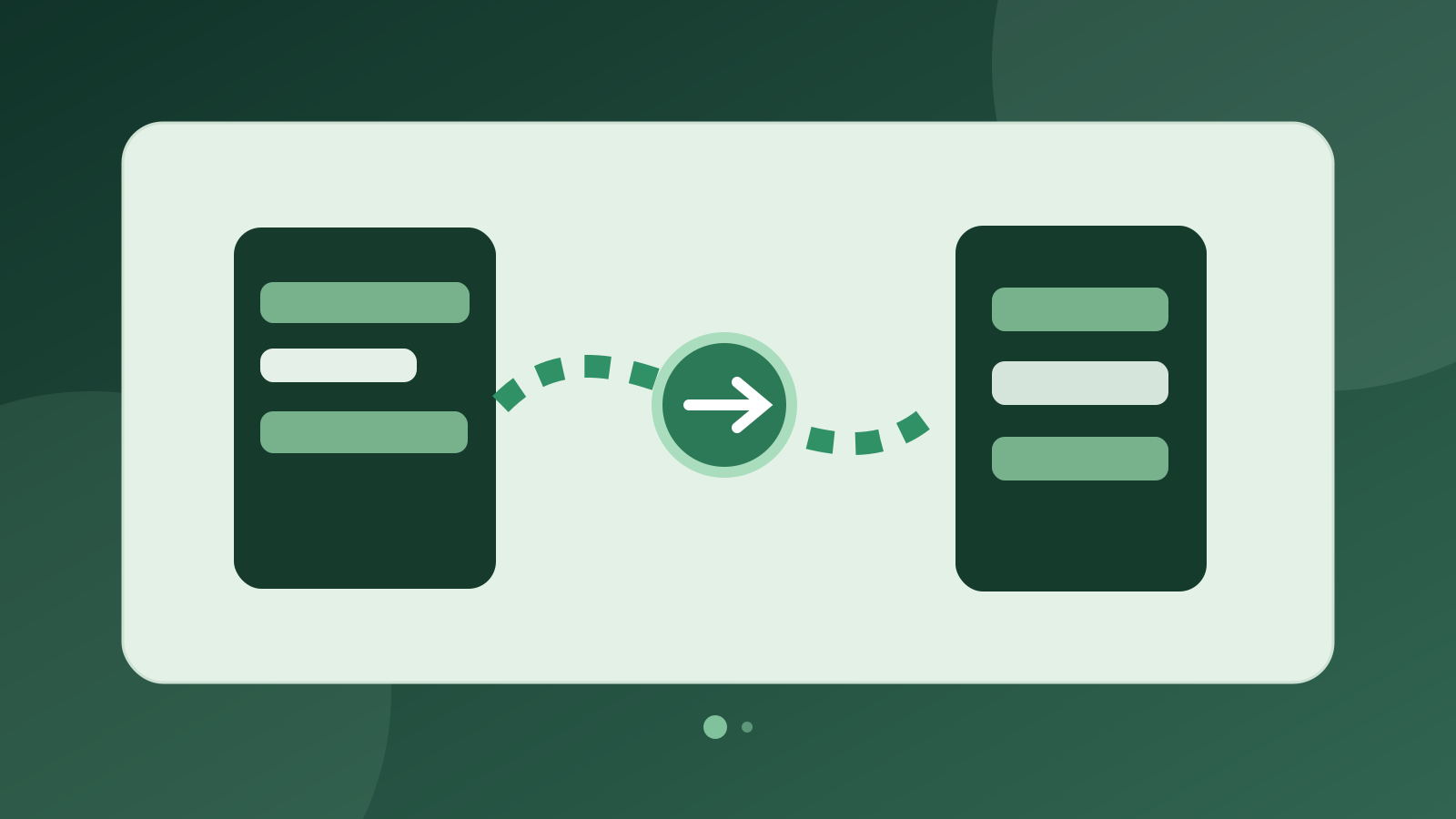
WhatsApp Coexistence lets one number work in the app and API
WhatsApp Coexistence allows a business to keep its existing number active in the WhatsApp Business mobile app while connecting the same number to Meta Cloud API. Rezervem's WhatsApp infrastructure treats classic and Coexistence onboarding as separate modes; Rezervem Connect offers permission-based campaign workflows for eligible businesses.
Consider a restaurant that has long replied personally to regular guests on its Business phone. Its team wants to keep one-to-one conversations, while marketing staff need approved templates. Coexistence can accommodate both on the same number; it does not mean every past conversation automatically arrives in the Connect inbox.
How does WhatsApp Business work without Coexistence?
One option is the WhatsApp Business mobile app alone, suitable for individual guest conversations but not in itself a Cloud API campaign integration. The other is traditional Cloud API registration: the number is registered to the API, and the WhatsApp Business mobile app is no longer used with that same number.
Rezervem's classic onboarding also follows a separate phone registration and verification route. If retaining the existing mobile Business app is important, check which Meta onboarding mode is appropriate before changing the number.
Business app only, classic API and Coexistence compared
Business app only focuses on individual conversations, classic Cloud API enables software-based messaging, and Coexistence combines the two for eligible numbers. Coexistence is not an ordinary WhatsApp Web Linked Devices pairing; it needs an eligible business account and Meta onboarding.
The benefit is number continuity, not permission to message everybody. Meta template approval, WhatsApp opt-in, Turkish ETK/İYS rules and data protection duties still apply. A marketing campaign sent via API is not equivalent to a personal message sent from the phone.
- Must the number remain usable in the WhatsApp Business app?
- Who controls the Meta business account and previous BSP connection?
- Will the team need API campaigns, templates and permissions?
- Has the business decided how message history and guest consent are handled?
Why does Meta show a QR or verification code?
Coexistence begins with Meta Embedded Signup. After the business selects its existing number, the owner follows whichever method Meta offers: entering a verification code received in the official Facebook Business conversation in the Business app, or scanning an approval QR when that flow displays one. This is not a restaurant-table QR or ordinary WhatsApp Web device pairing.
The Rezervem Manager connection screen includes code to start Meta's special Coexistence login. Independent Connect brands can use a separate desktop connection flow when the account permissions and features allow it. The setup is complete only after the number is active in Coexistence mode and both messaging paths are tested. See the QR/code setup guide.
Set realistic expectations for chat history and inboxes
Meta can synchronise up to six months of one-to-one chat history and supported contacts, subject to the business's permission and technical requirements. Synchronisation has timing limits; group chats are not imported through the API. Some companion devices may need to be re-linked.
Rezervem's WhatsApp service contains processors for history, contacts and echoes from messages sent in the Business app. However, not all those records are automatically forwarded to the current Connect inbox. Check the phone's history and the actual messages available in the connected software separately.
API costs, message limits and consent are separate
Messages sent through Cloud API are subject to Meta's current pricing, while one-to-one messages sent in the WhatsApp Business app do not incur the same API charge. Meta specifies a fixed 20-messages-per-second API throughput limit for Coexistence numbers. This technical cap says nothing about a recipient's marketing eligibility.
Cloud API's 24-hour customer service window is not opened or extended by messages sent only from the Business app. Marketing still requires approved templates, proper audience selection and applicable commercial messaging consent. For context, read the WhatsApp Business Platform setup guide.
Frequently asked questions and source
Does Coexistence change my existing phone number? For eligible accounts, it is designed to keep the same Business app number while enabling API access. Numbers already moved to classic API may need a separate plan.
Does scanning the QR move every old chat into Connect? No. Meta history sharing and the inbox capabilities of a specific software product are different.
Is Coexistence a way to send free bulk messages? No. Meta API pricing, template rules and messaging consent still apply.
Official source: Meta guide to onboarding WhatsApp Business app users (accessed 17 November 2026).