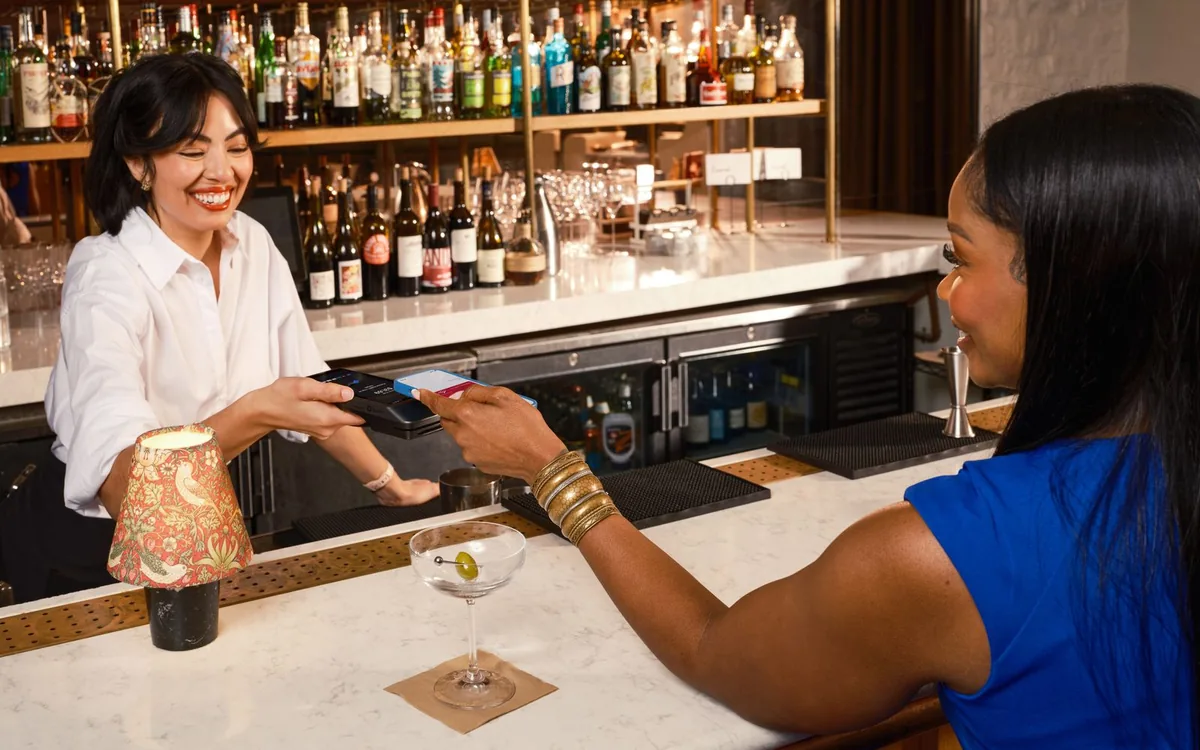
What does the Rezervem Pay mobile app do?
Rezervem Pay is a separate business payment request app for authorised restaurant and hotel staff, independent of Manager. Staff select the venue, payer and amount or eligible Experience item, create a link or QR request and track the result. Guests pay in mobile web without installing the business app.
An enabled venue, appropriate role and configured virtual POS are required. Merchant POS onboarding happens through web setup, not the app.
A payment example during service
A hotel spa staff member can prepare a guest payment link without returning to a desktop, then share it or display a QR. The guest opening a link is not a completed charge; staff verify the actual payment result in Pay.
Use a standalone amount when only a charge matters. Choose an eligible Experience item when the service, variant and price must also be recorded.
Create a mobile payment request in five steps
Use an authorised account and configured POS for these steps.
- Sign in to Pay and choose the correct venue.
- Enter the payer's name, phone or email, amount or eligible product.
- Confirm total, currency, quantity and terms.
- Share the link or show a QR; sending a request is not payment.
- Verify collection in Pay and separately handle permitted cancellation, refund or booking linking.
What can staff manage after payment?
The home and payment list distinguish pending, paid, expired, cancelled and refunded requests. Staff permissions and payment status may allow editing, booking linking, item matching or posting to an eligible open Simphony check.
Verify refunds against the actual provider result. Manage merchant POS configuration through the web setup flow.
How Experience and Pay work together
Experience defines the product, variant, price and fulfilment terms; Pay issues the eligible product-backed payment request and tracks actual collection. Orders, prepaid amounts, venue balances, fulfilment and redemption are separate.
See the Experience product payment guide for selling items. This guide covers staff mobile requests.
FAQ: Do guests install the business app?
No. The Pay mobile app is for staff; guests use a mobile web payment link.
FAQ: Can I onboard a merchant POS in the mobile app?
No. POS connection approval is handled through web setup, and mobile uses the configured provider.
FAQ: Does a mobile request require a booking?
No. Standalone requests work without a booking and eligible paid requests may be linked later.